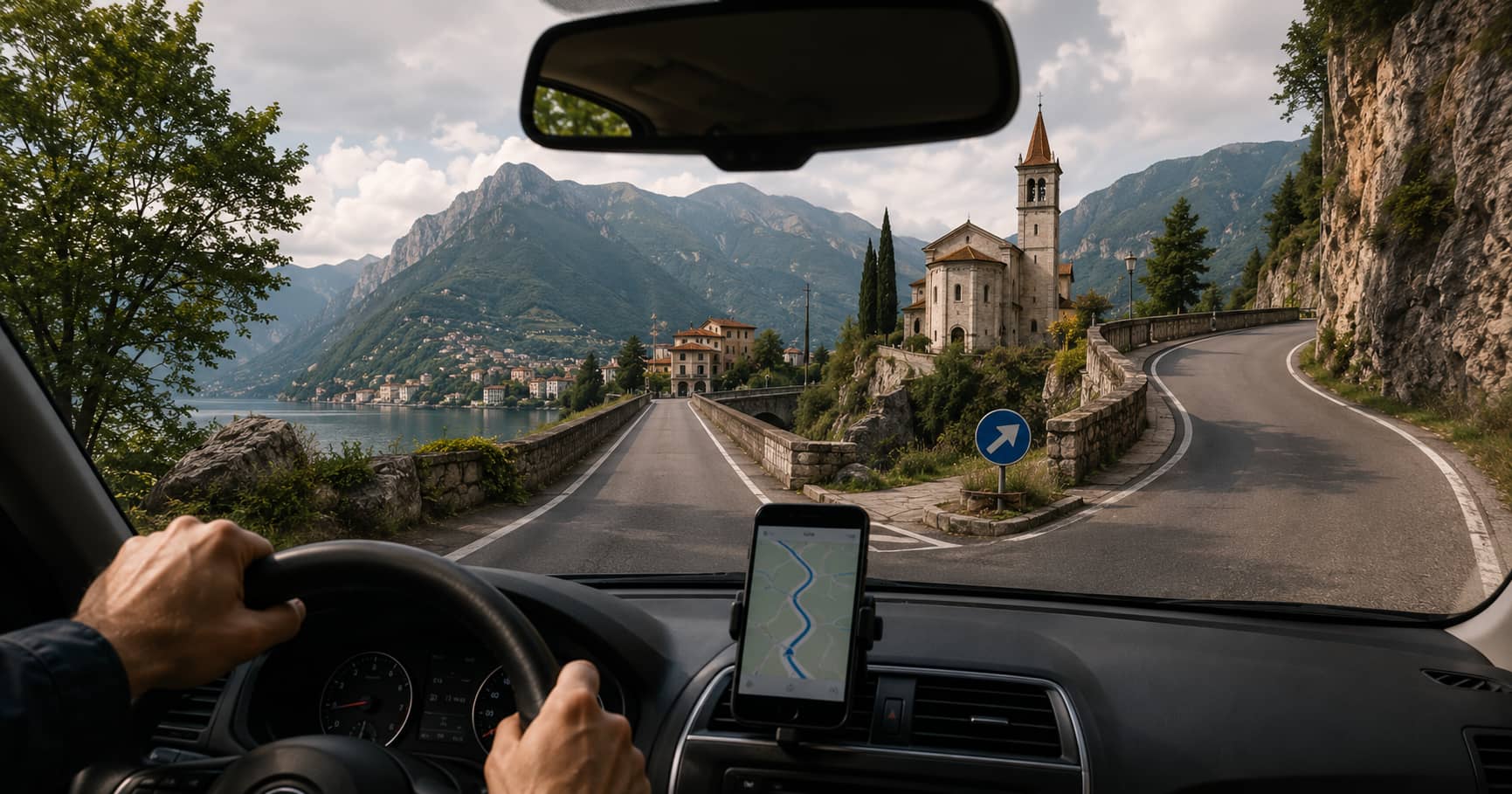
Navigation and Imagery: How Photos Help Us Understand Where We Are
Learn how navigation systems use photography, panoramic imagery, geolocation data, and visual landmarks to make routes easier to understand.
Learn how navigation systems use photography, panoramic imagery, geolocation data, and visual landmarks to make routes easier to understand.
Modern navigation is built from more than road lines and turn instructions. It increasingly depends on photographs, panoramic imagery, satellite views, camera-based positioning, and location metadata. Together, these elements help people recognize places, confirm that they are following the correct route, and understand what they will encounter before they arrive.
A map can tell you to turn right in 200 metres. An image can show you that the turn comes immediately after a stone church, beside a narrow bridge, or at a junction where the road sign is partly hidden by trees. That visual context often makes the difference between following a route confidently and missing a critical decision point.
This article explains how navigation systems and photography work together, how images are connected to geographic coordinates, where visual navigation is most useful, and why image age, positioning accuracy, and privacy still require careful judgment.
Traditional maps reduce a place to symbols. Roads become lines, buildings become shapes, and terrain becomes contours or shaded relief. This abstraction is efficient because it removes visual noise and highlights information needed for orientation.
However, a simplified map cannot always communicate what a place looks like on the ground. Two road junctions may appear almost identical on a map while looking completely different in reality. A walking path may be technically mapped but difficult to identify because its entrance is narrow, unmarked, or shared with a driveway.
Photography adds information that a map cannot easily express. It can reveal:
For this reason, images are most useful when they complement rather than replace a map. The map provides geographic structure. The image provides recognition and context.
A navigation system must know where an image belongs before it can display it meaningfully. The basic connection is usually made through geographic coordinates: latitude and longitude, and sometimes altitude.
A photograph captured by a smartphone or GPS-enabled camera may store these coordinates in its metadata. A panoramic mapping platform may instead keep the image and its coordinates in a separate database. In either case, the location data allows software to place the image on a map.
Latitude and longitude describe the position from which the image was recorded. This is important because the camera position is not always the same as the subject position. A photograph of a mountain may be geotagged at a roadside viewpoint several kilometres away from the summit.
Good mapping systems therefore distinguish between where the camera stood and what the camera was facing. This distinction becomes especially important for distant landmarks, large buildings, coastlines, and mountain views.
Some image records also include a heading or image direction. A value of 0 degrees generally represents north, 90 degrees east, 180 degrees south, and 270 degrees west.
When direction is available, a map can display a field-of-view marker rather than a simple point. This helps users understand which part of the surrounding area appears in the photograph.
Images can also be geotagged after capture by matching the time recorded by the camera with positions recorded in a GPS track log. Software estimates the camera position at the moment each photograph was taken.
This process works well only when the camera clock and GPS time are synchronized. A difference of a few minutes can place an image far from its actual location when the photographer is moving quickly by car, bicycle, train, or boat.
Street-level panoramic imagery is one of the clearest examples of photography supporting navigation. A 360-degree panorama allows the viewer to look in multiple directions from one mapped position. Connected panoramas can form a visual route through streets, paths, interiors, or public spaces.
This type of imagery is useful before and during a trip. Before departure, it can help a traveller inspect an unfamiliar junction, locate a hotel entrance, check where a hiking trail begins, or see whether a road appears suitable for a large vehicle. During navigation, it can provide a visual preview of the next decision point.
Panoramas also help when address data is imperfect. A destination marker may point to the centre of a property rather than the correct entrance. Visual inspection can reveal whether access is from the main road, a side street, a courtyard, or a pedestrian passage.
Some navigation systems use the camera as an active positioning sensor. Instead of relying only on satellite signals, the software compares visible buildings, signs, road geometry, or other features with an existing visual map.
This approach is often called visual positioning or image-based localization. It can improve orientation in places where satellite positioning is weak or ambiguous, including dense urban streets, transport hubs, indoor spaces, and areas surrounded by tall buildings.
A visual system may estimate both position and viewing direction. This can make on-screen arrows or location labels more stable because the device has a better understanding of which way the user is facing.
Visual positioning still has limits. Performance can decline when lighting changes, buildings are covered by scaffolding, vegetation obscures features, snow changes the scene, or the available reference imagery is outdated.
Large roundabouts, multi-level roads, closely spaced exits, and irregular intersections are difficult to understand from spoken instructions alone. A photograph or lane-level preview can make the required movement clearer.
Pedestrian and cycling routes often use passages that are visually subtle. A staircase, park gate, underpass, shared path, or narrow trail may be obvious in a photograph but barely visible on a standard map.
In rural and mountain areas, imagery can help identify parking areas, access roads, trail signs, and the actual starting point of a route. It can also show whether a road is paved, narrow, exposed, or unsuitable for certain vehicles.
Images can reveal steps, steep approaches, uneven surfaces, narrow doors, kerbs, and missing pavements. They can support accessibility planning, although a photograph should not be treated as a complete or current accessibility audit.
Emergency teams, utilities, surveyors, and maintenance crews may use geolocated imagery to understand site access, identify assets, and compare current conditions with earlier records. The same principles apply: the image is useful because its position, direction, and date are known.
A navigation image is a record of a place at a particular moment. Roads change, businesses close, trees grow, signs move, and construction alters access. An image that was accurate when captured may later become misleading.
Users should check the capture date whenever it is available. Recent imagery is especially important when verifying temporary or frequently changing details such as:
For safety-critical decisions, imagery should be combined with current road notices, official trail information, local signage, and live conditions.
Not every image marker is exact. Smartphone GPS may be affected by buildings, cliffs, trees, weather, or weak satellite visibility. A coordinate may be several metres away from the true capture point, and errors can be larger in difficult conditions.
Direction metadata may also be wrong if the device compass was poorly calibrated or affected by nearby metal. Manually added locations can introduce further errors when a user selects an approximate point rather than the exact camera position.
When evaluating an image for navigation, compare several clues:
A single image should not override stronger evidence from official maps, current signs, or verified location data.
Location-aware photography can expose sensitive information. An image may reveal a home address, a private route, a routine, or the location of a vulnerable person. Even when the photograph itself appears harmless, embedded coordinates can disclose where it was taken.
Before publishing navigation imagery, photographers and site operators should consider whether the location should be public. Faces, vehicle registration plates, house numbers, and private property may require blurring or removal. Platforms should also provide clear information about image ownership, capture dates, reporting procedures, and permitted reuse.
Users sharing personal photographs should review location settings and remove metadata when precise coordinates are unnecessary.
The strongest navigation tools combine several forms of evidence. Maps show the relationship between places. Satellite and aerial imagery show land use and larger physical patterns. Street-level photography shows what a traveller is likely to see. GPS and other sensors estimate the user’s current position.
No single layer is perfect. A photograph can be outdated, a GPS fix can drift, and a map can omit a newly opened road. Used together, however, these sources make navigation easier to understand and easier to verify.
The central value of navigation imagery is recognition. It turns an abstract instruction into a visible place. When location, direction, time, and image quality are handled carefully, photography becomes one of the most practical layers in a modern mapping system.